Can You Use Hoopla on an MP3 Player?
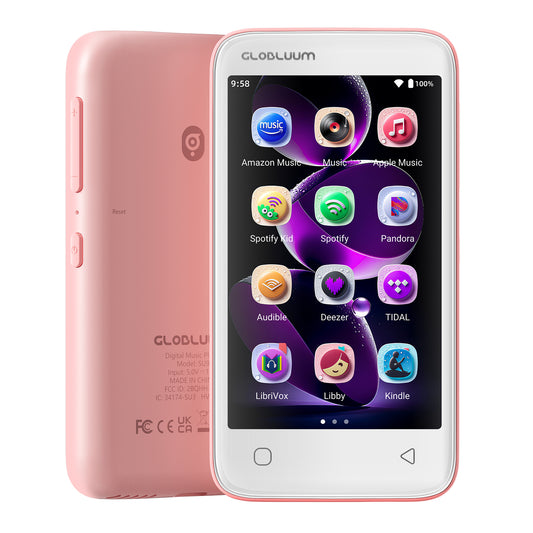
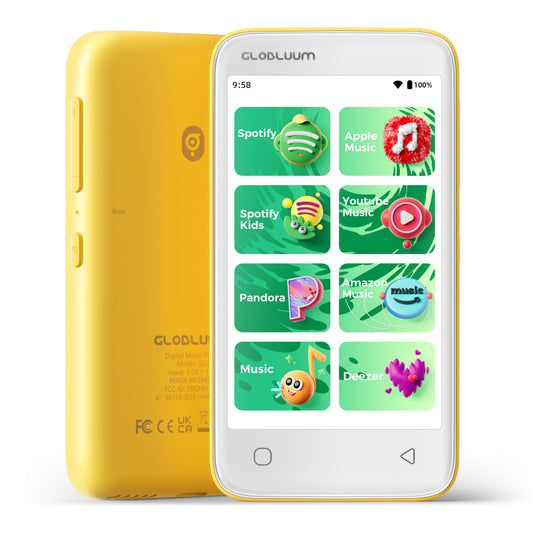
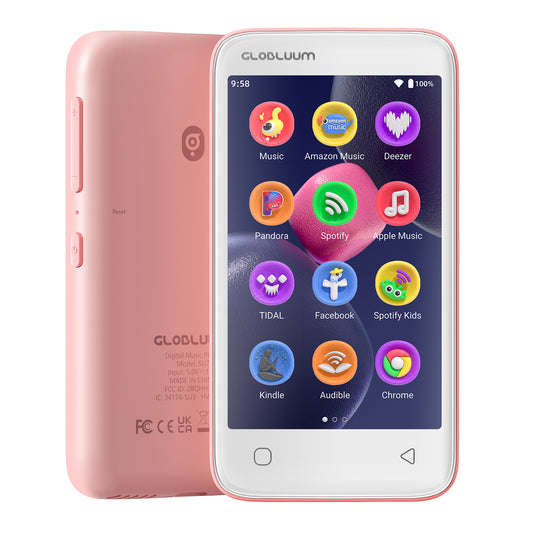
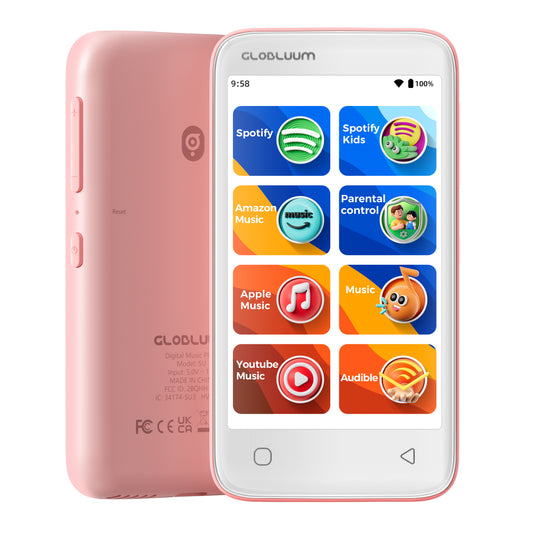
Yes—but only if it is an Android-based MP3 player that can install apps. Traditional MP3 players cannot run Hoopla. Globluum SU7 and SU9 users can download Hoopla directly from Google Play, while SU3 and SU5 users need a firmware upgrade before installing it.
Hoopla is a digital library app for borrowing audiobooks, eBooks, music, movies, comics, and other content. It does not require a paid subscription, but you need a valid library card from a participating public library.
What Kind of MP3 Player Works With Hoopla?
A traditional MP3 player can only play audio files stored on the device. It cannot install Android apps, connect to a library account, or download protected Hoopla content.
To use Hoopla on an MP3 player, the device generally needs:
- An Android operating system
- Wi-Fi access
- Google Play or another supported installation method
- Enough storage for the app and downloaded content
- Support for Hoopla’s current Android app
An Android MP3 player therefore works more like a dedicated audio device than a traditional file-only MP3 player.
How to Install Hoopla on Globluum SU7 and SU9
The Globluum SU7 and SU9 use an open Android system, so Hoopla can be installed directly through Google Play.
- Connect the player to Wi-Fi.
- Open Google Play.
- Search for Hoopla.
- Tap Install.
- Open the app and create an account or sign in.
- Select your participating library and enter your library card information.
No firmware upgrade is required for the SU7 or SU9.
How to Install Hoopla on Globluum SU3 and SU5
Before upgrading an SU3 or SU5, contact Globluum customer support and follow the official guide:
Globluum Firmware Update Guide
Can Children Use Hoopla on an MP3 Player?
Yes, but parents should configure both the player and the Hoopla app before giving the device to a child.
Globluum’s parental controls can restrict app installation and access. Hoopla also provides a Kids Mode that filters titles intended for adults from search results, browsing, history, favorites, and the user’s Hoopla page.
Parents should still review the available content and their library’s borrowing settings, because Hoopla includes more than children’s audiobooks.
Can You Download Hoopla Audiobooks for Offline Listening?
Yes. Hoopla allows supported content, including audiobooks and music, to be downloaded for offline use. After downloading an audiobook over Wi-Fi, you can listen without keeping the player connected to the internet.
The title remains subject to Hoopla’s borrowing period and your library’s rules.
Does Hoopla Work on Every MP3 Player?
No.
Hoopla will not work on most traditional MP3 players, even when they have Bluetooth or Wi-Fi. Bluetooth only connects the player to headphones or speakers; it does not allow Android apps to be installed.
You need an Android MP3 player with compatible app support.
Is Hoopla Preinstalled on Globluum Players?
Libby is preinstalled on current Globluum players, but Hoopla is not installed by default.
- SU7 and SU9: Download Hoopla directly from Google Play.
- SU3 and SU5: Contact customer support about the required firmware upgrade before installing Hoopla.
Can You Use Libby and Hoopla on the Same MP3 Player?
Yes. An Android MP3 player can have both Libby and Hoopla installed.
The two services may offer different books and borrowing options depending on your library. Keeping both apps on the same player gives listeners another way to find and enjoy library audiobooks without relying on a smartphone.
Do You Need a Library Card to Use Hoopla?
Yes. You need a library card from a public library that participates in Hoopla.
Content availability and monthly borrowing limits are determined by the individual library, so Hoopla may not be available in every city or country.
Final Answer
You can use Hoopla on an MP3 player, but it must be an Android-based model that supports app installation.
Globluum SU7 and SU9 users can install Hoopla directly from Google Play. SU3 and SU5 users can also use Hoopla after contacting customer support and completing the required firmware upgrade.
This makes it possible to borrow and listen to library audiobooks on a dedicated music player—without carrying or giving a child a smartphone.
-
SU9 Android Streaming Music Player with Bluetooth & WiFi, 4" Touchscreen MP3/MP4 Player
Vendor:GlobluumRegular price $79.99 USDRegular price -
SU3 Safe Kids MP3 Player with Parental Controls. Supports Spotify Kids, Apple Music, Audible, Kindle. Great Gift for Kids.
Vendor:GlobluumRegular price $69.99 USDRegular price -
SU7 Digital Audio player with Bluetooth & Wi-Fi, mp3 Music player with Spotify, Pandora, Tidal, Deezer, Audible, Kindle and Speaker.
Vendor:GlobluumRegular price $69.99 USDRegular price -
SU5 Digital Music Player for Kids, 4" Full Touch Screen MP4 with Spotify, Spotify Kids, Google Play, Audible and Speaker.
Vendor:GlobluumRegular price $59.99 USDRegular price